
Format
Summary presentation
One idea per scene; the sentence appears word by word, in time with the voice.
Summary presentation across the eight document kinds
It suits 5 kinds; for the other 3, another format works better. The sentence on a row that does not suit is the note the panel shows on that document.
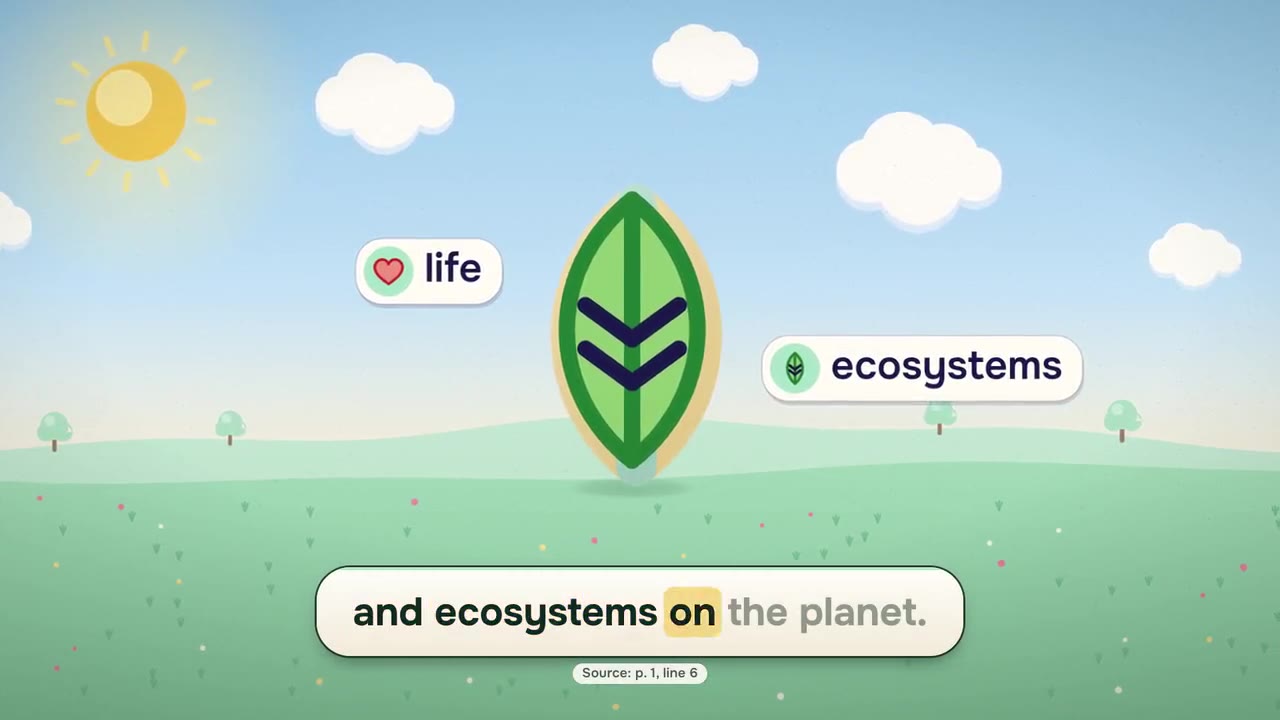
Concepts and processes — suits
a natural process, a science or economics text, why and how something happens.
Steps and rules — suits
ordered steps, a recipe, usage instructions, a workplace safety rule, a statute article saying who must do what.
Numbers and data — suits
an account statement, a price list, rates, a table of results.
Dates and order of events — suits
a history text, a calendar, transition periods.
Contracts and legislation — suits
a contract, a lease, terms, a privacy notice, a form, a regulation read clause by clause.
Places and layouts — does not suit
“This document explains places and layouts; Summary presentation works better on documents with articles, principles and numbers. You can still continue.”
Better for this kind:
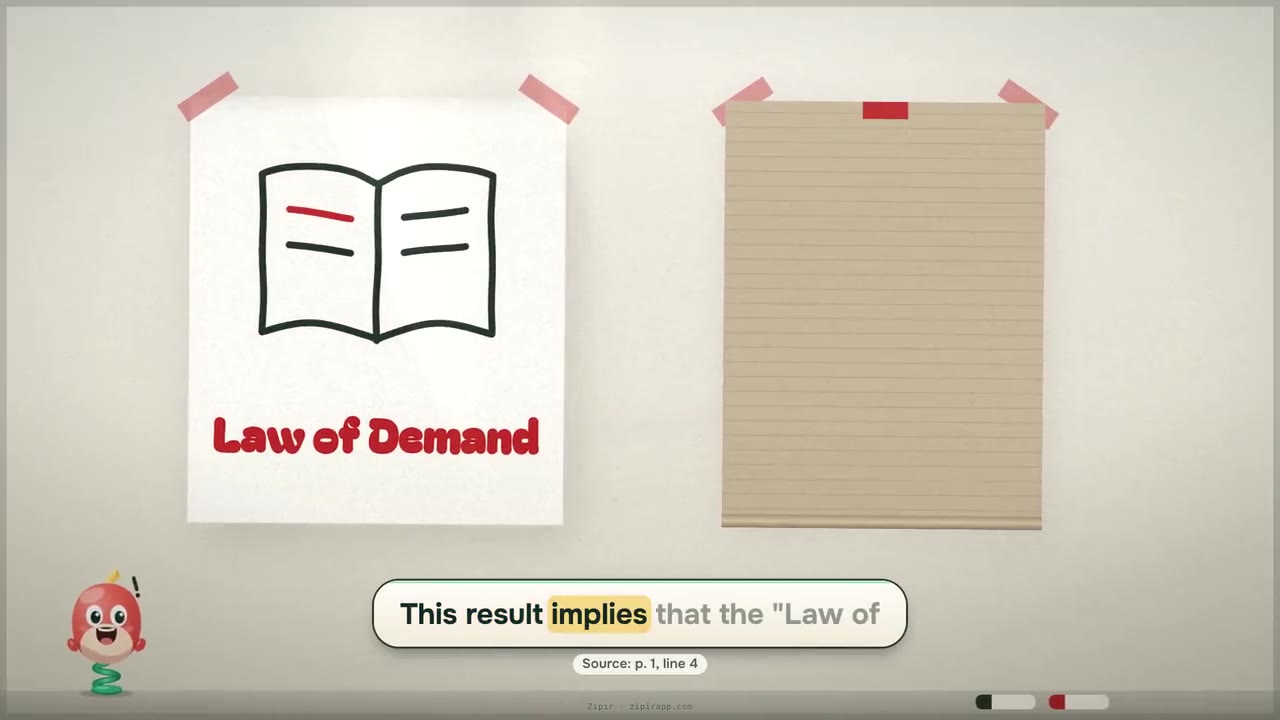
Parts and structure — does not suit
“This document explains the inner structure of something; Summary presentation works better on documents with articles, principles and numbers. You can still continue.”
Better for this kind:
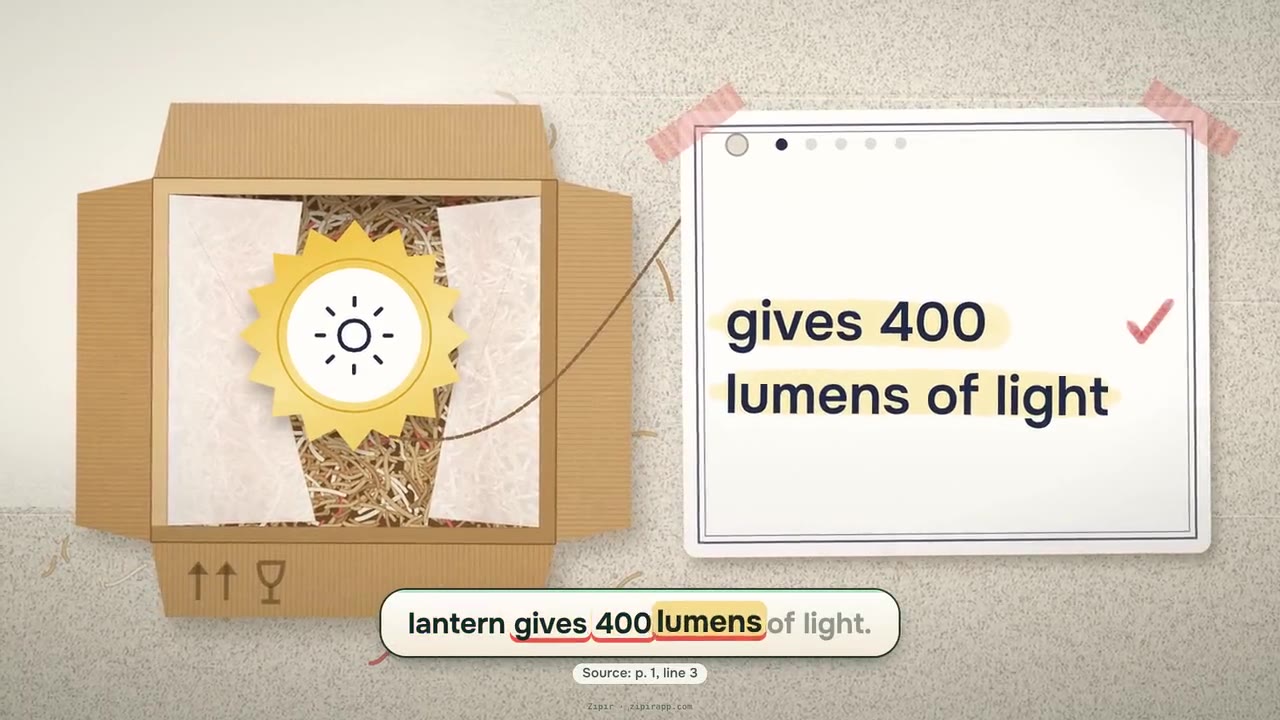
Products and features — does not suit
“This document presents the features of a product; Summary presentation works better on documents with articles, principles and numbers. You can still continue.”
Better for this kind:


Two rules hold in every format: every sentence on screen is a verbatim quote from your document, shown with its page and line; no video is produced until you approve the scene plan. See it in a video
Other formats


Does your document suit Summary presentation?
If you leave the format to Zıpır, it picks the one that suits your document. If you choose, no option is closed; if the document does not suit it, you see a short warning in the panel.
Get startedLast updated: