
21 formats to explain your document
Not every format suits every document. Find your document's kind, then look at the formats that suit it.
19 showcase videostotal 9 min 26 s8 document kinds
All formats
Each tile plays that format’s own showcase video.
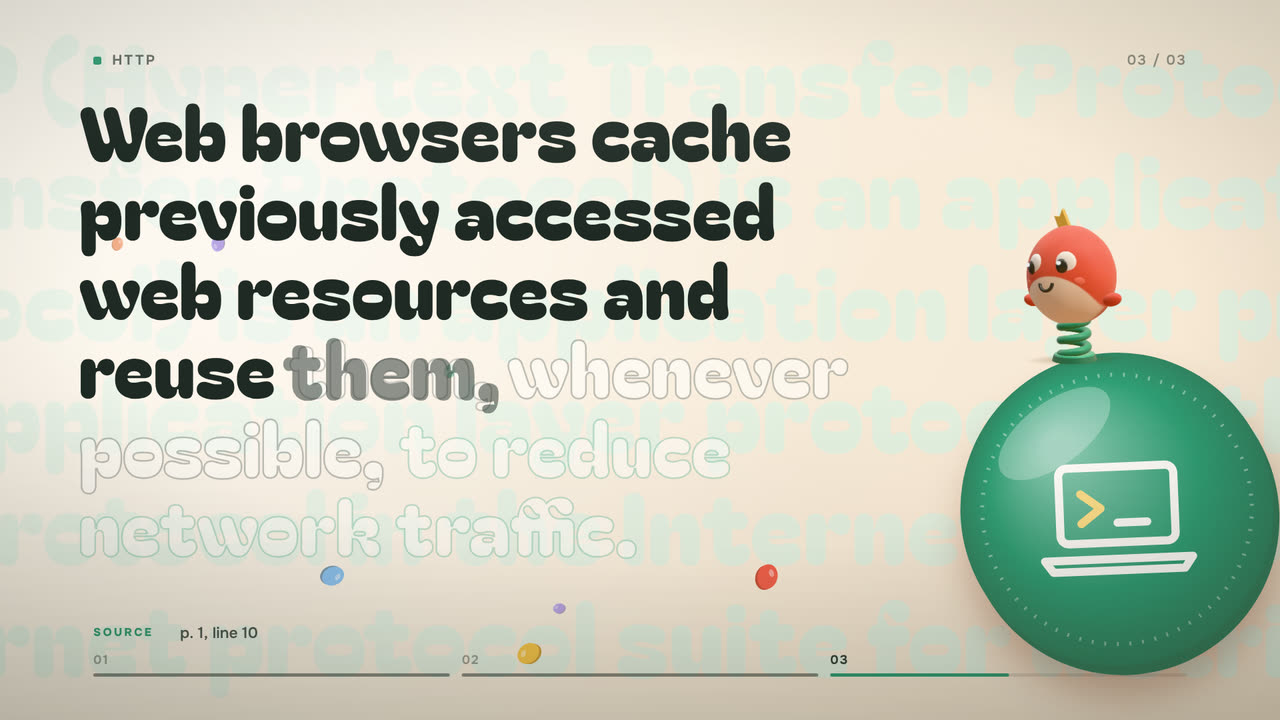
Document: Wikipedia: HTTP
One idea per scene; the sentence appears word by word, in time with the voice.
Concepts and processes · Steps and rules · Numbers and data · Dates and order of events · Contracts and legislation
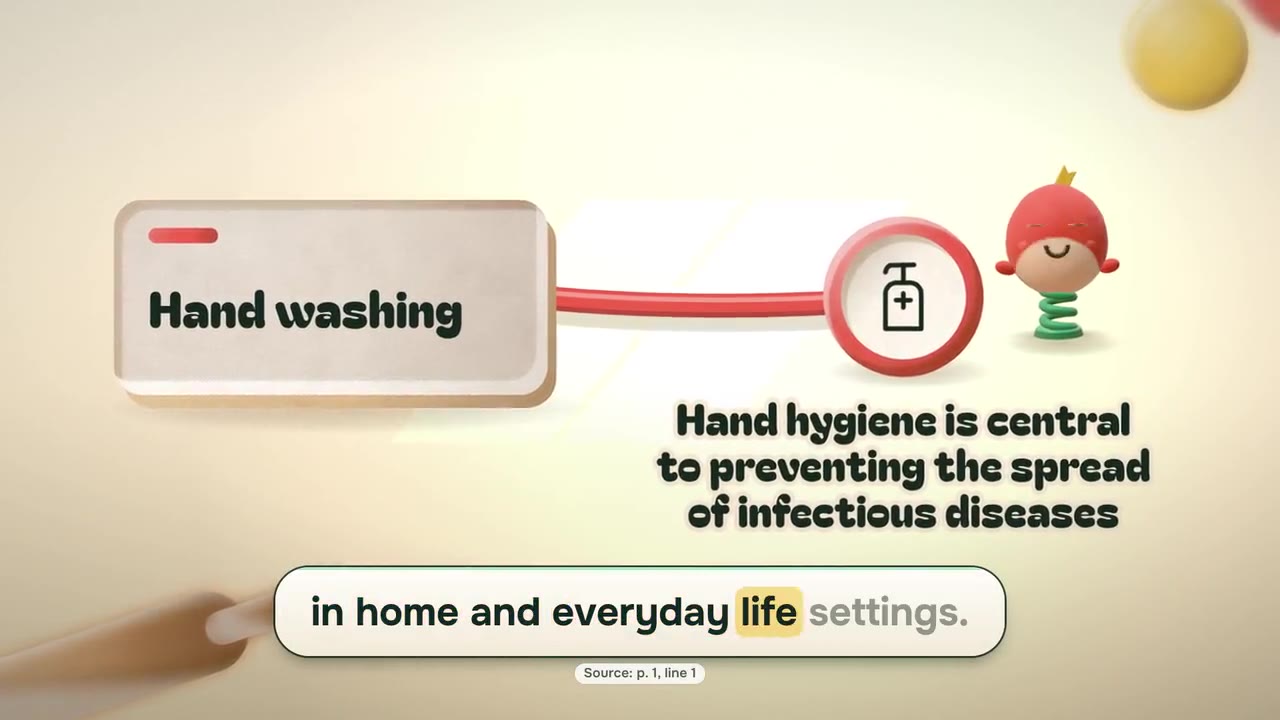
Document: Hand washing
One clay diagram grows across the lesson: steps become stops on a clay rope, key sentences become medallions.
Steps and rules
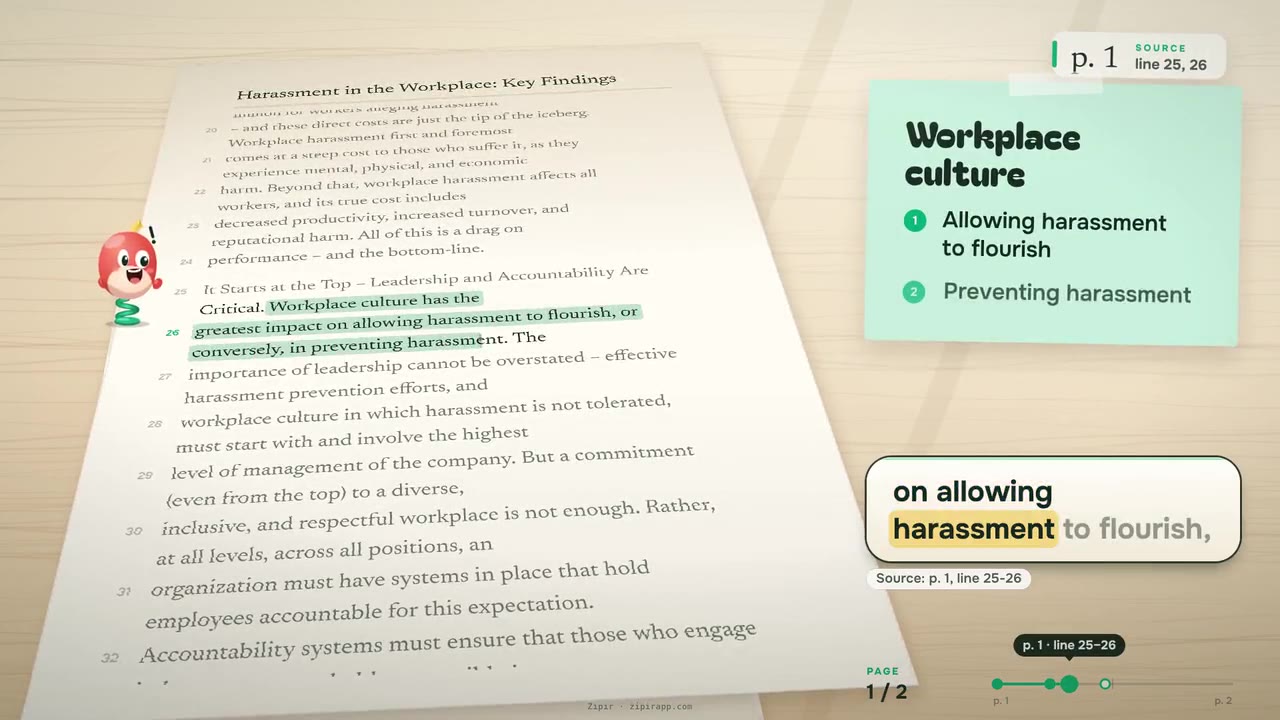
Document: US EEOC: Harassment in the Workplace (2016)
The document's own page stays on screen; the quoted lines are marked one by one.
Contracts and legislation · Numbers and data
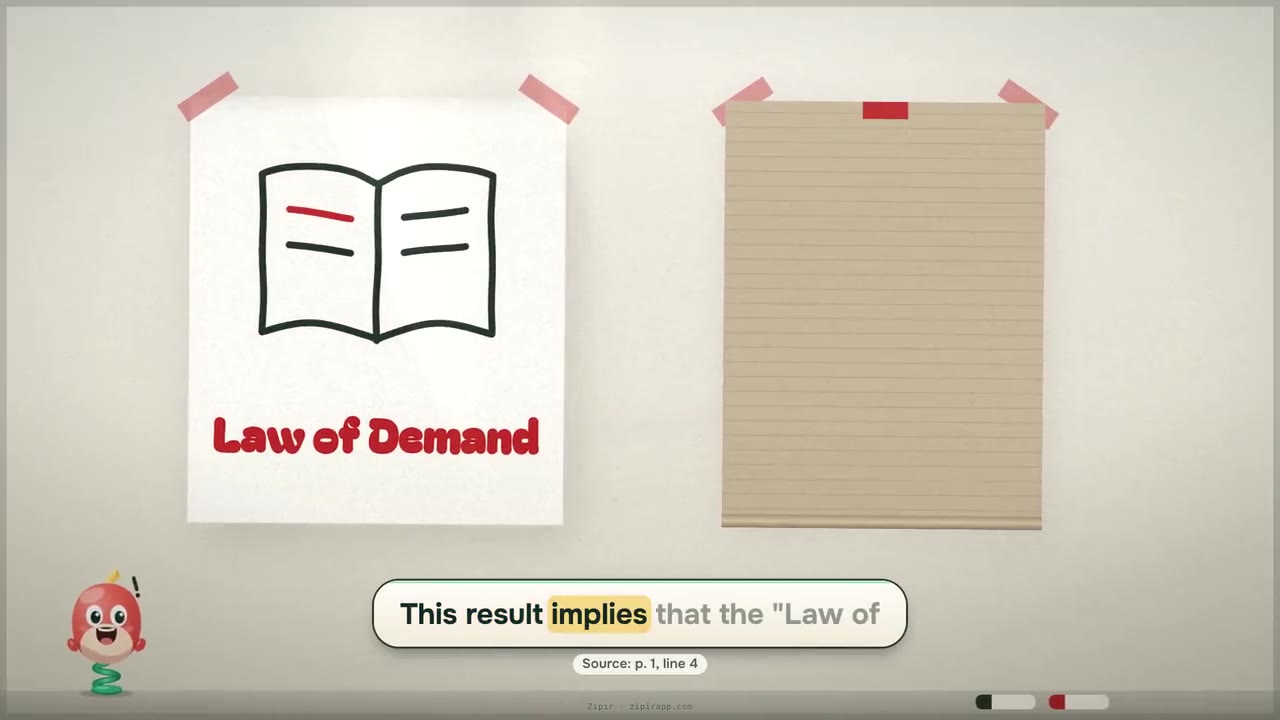
Document: Wikipedia: Supply and demand
A pen draws the quotes and icons onto the board, stroke by stroke.
Concepts and processes · Steps and rules · Dates and order of events · Parts and structure
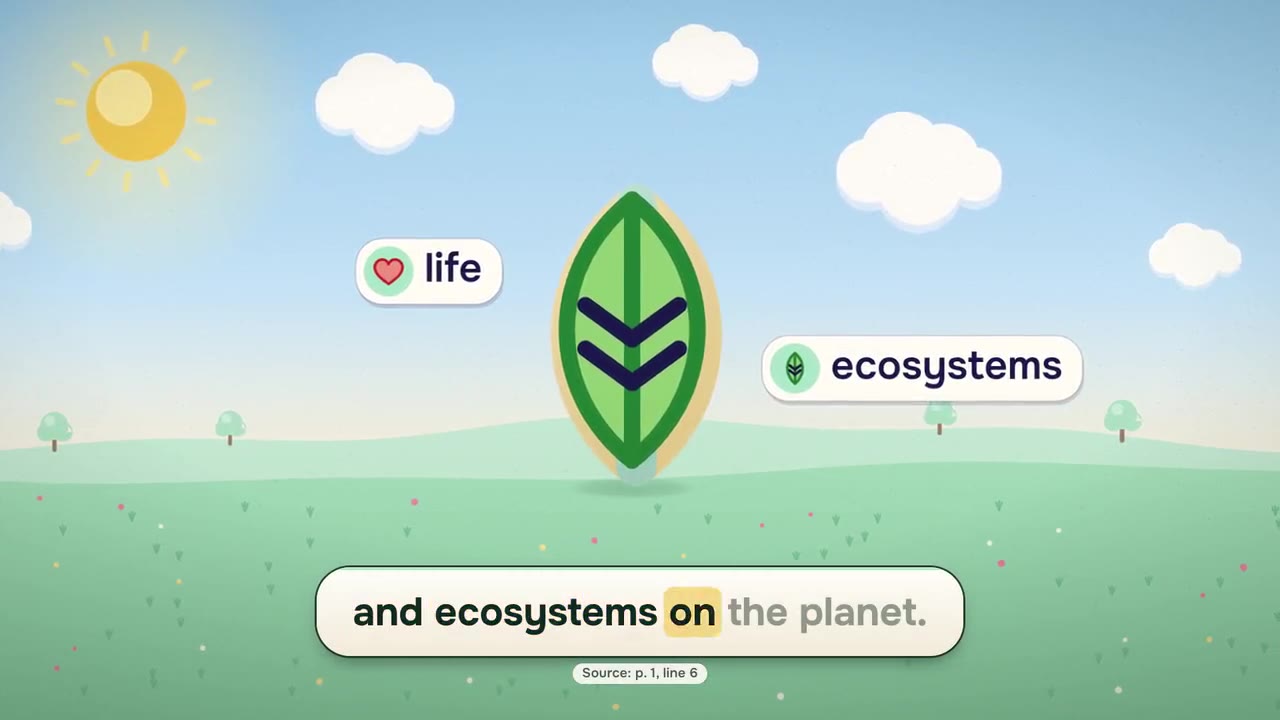
Document: The water cycle
Every scene is like a page of an illustrated book: one large drawing with the quote beside it.
Concepts and processes · Dates and order of events · Places and layouts · Parts and structure
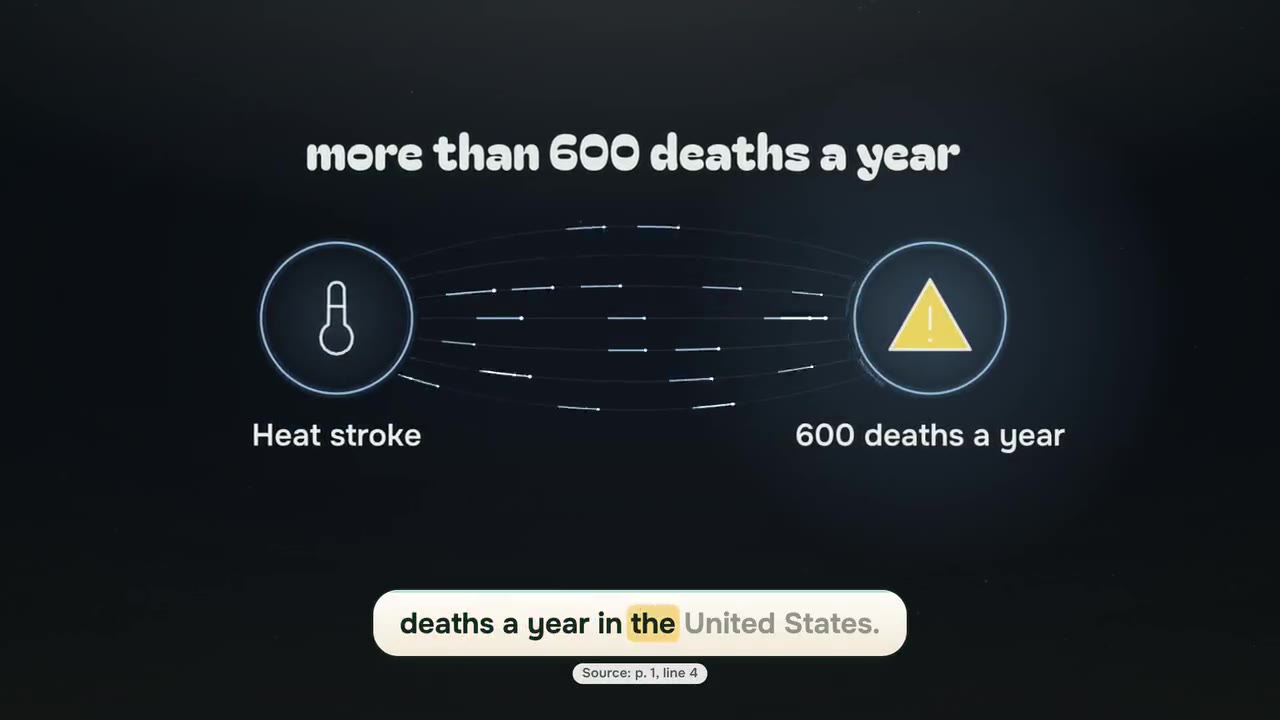
Document: Wikipedia: Heat stroke
The cause-and-effect relation in a sentence (leads to, increases, reduces, prevents, requires) is shown as light flowing between two points.
Concepts and processes · Steps and rules
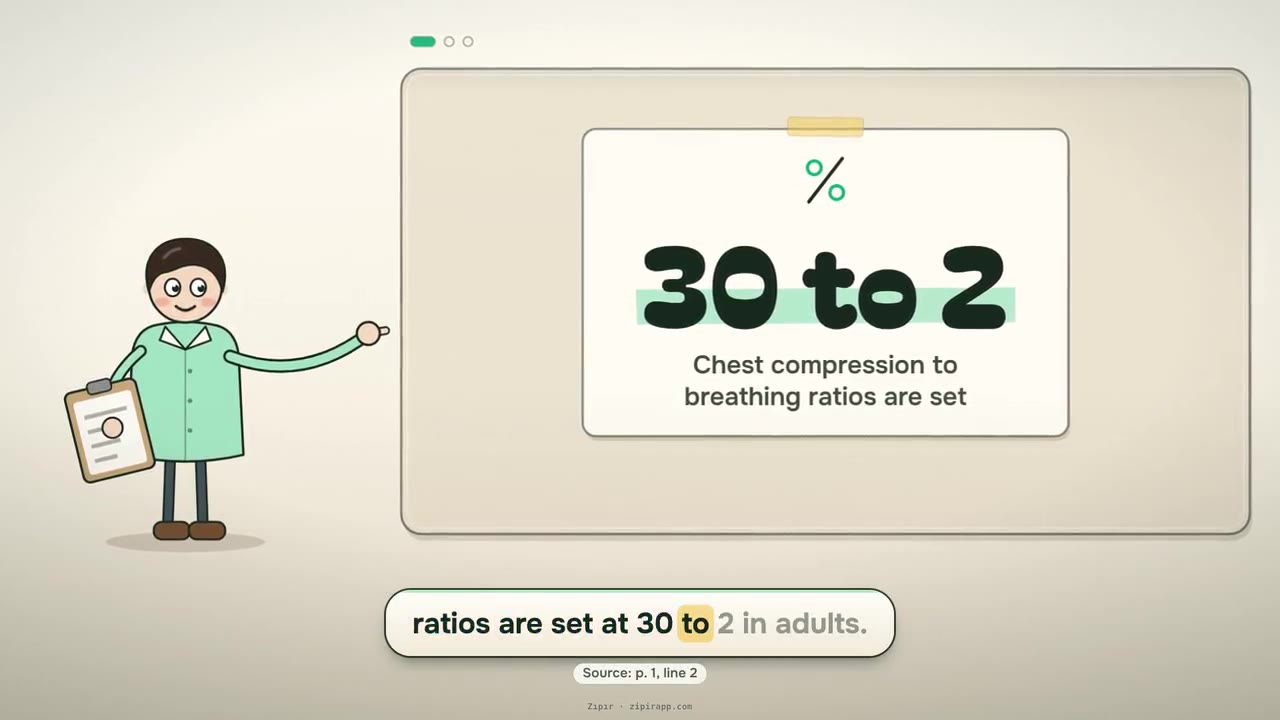
Document: Wikipedia: Cardiopulmonary resuscitation
An illustrated presenter lays the document's points and numbers onto a board, card by card.
Steps and rules · Numbers and data
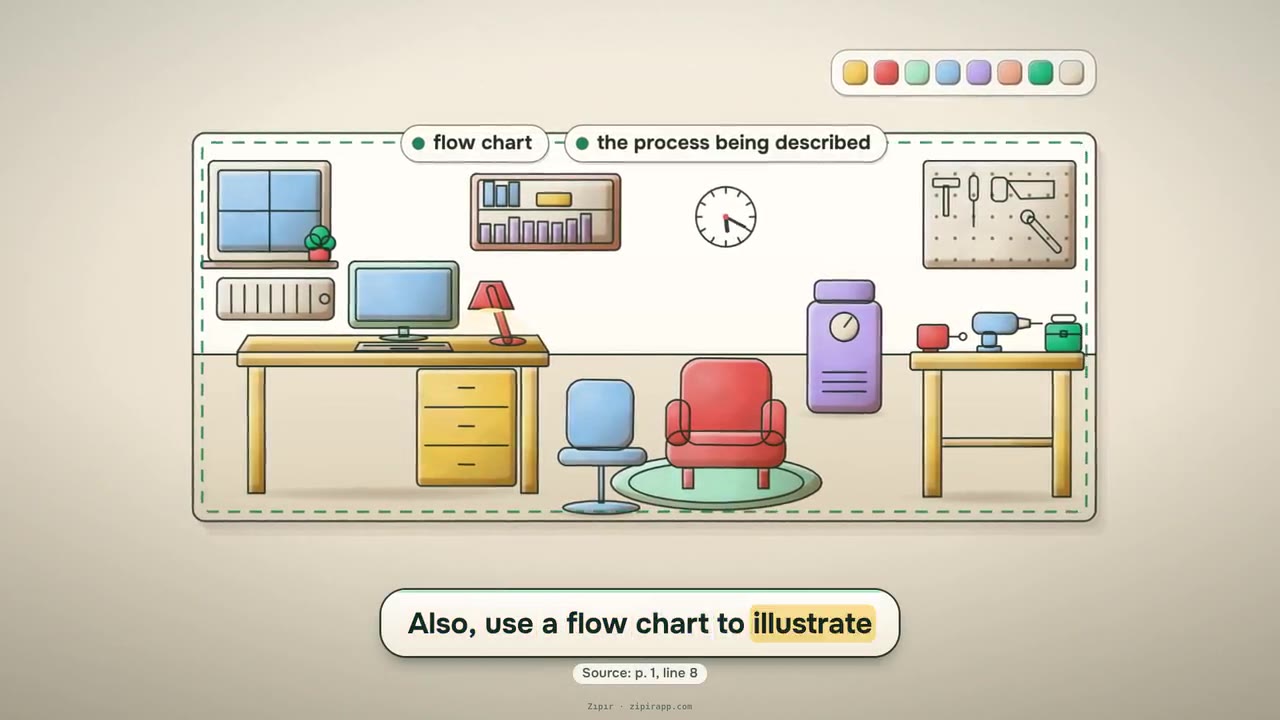
Document: US EPA: Guidance for Preparing SOPs (QA/G-6)
A line-drawn workplace is painted in the brand's colors; labels land on the objects the sentence names.
Steps and rules
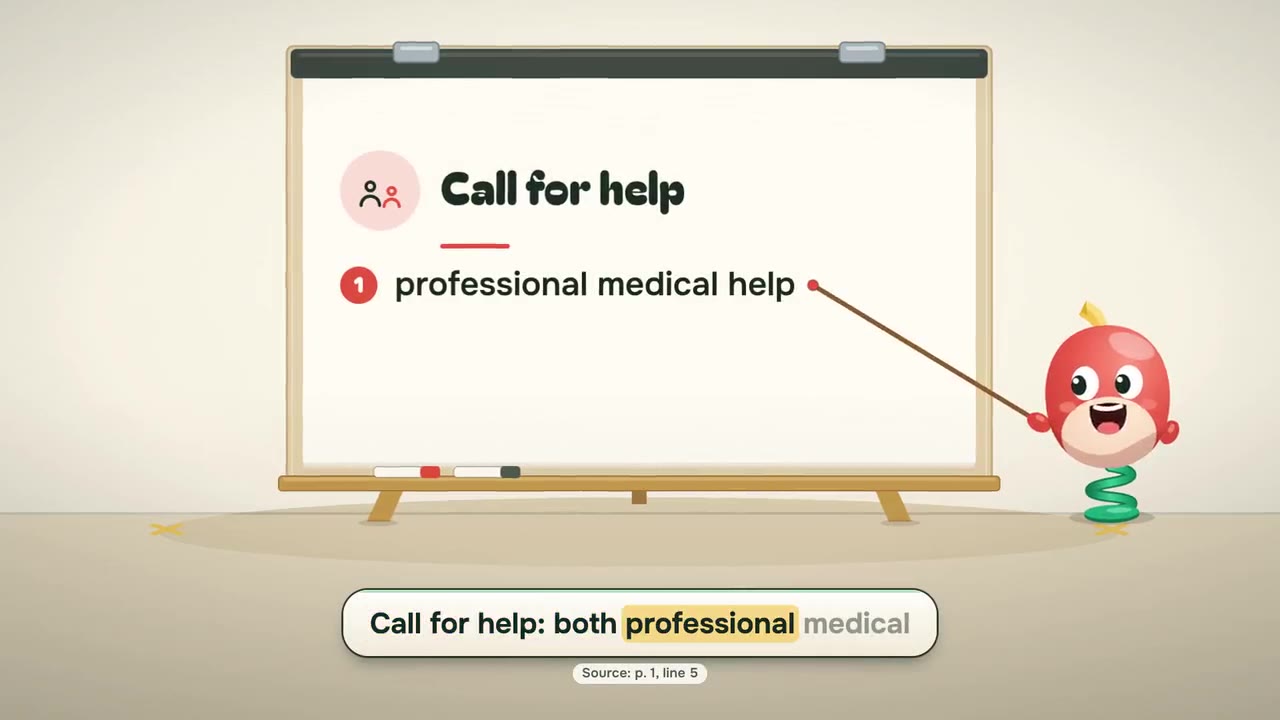
Document: Wikipedia: First aid
The Zıpır mascot hops around the stage and shows each quote on a board.
Steps and rules · Concepts and processes
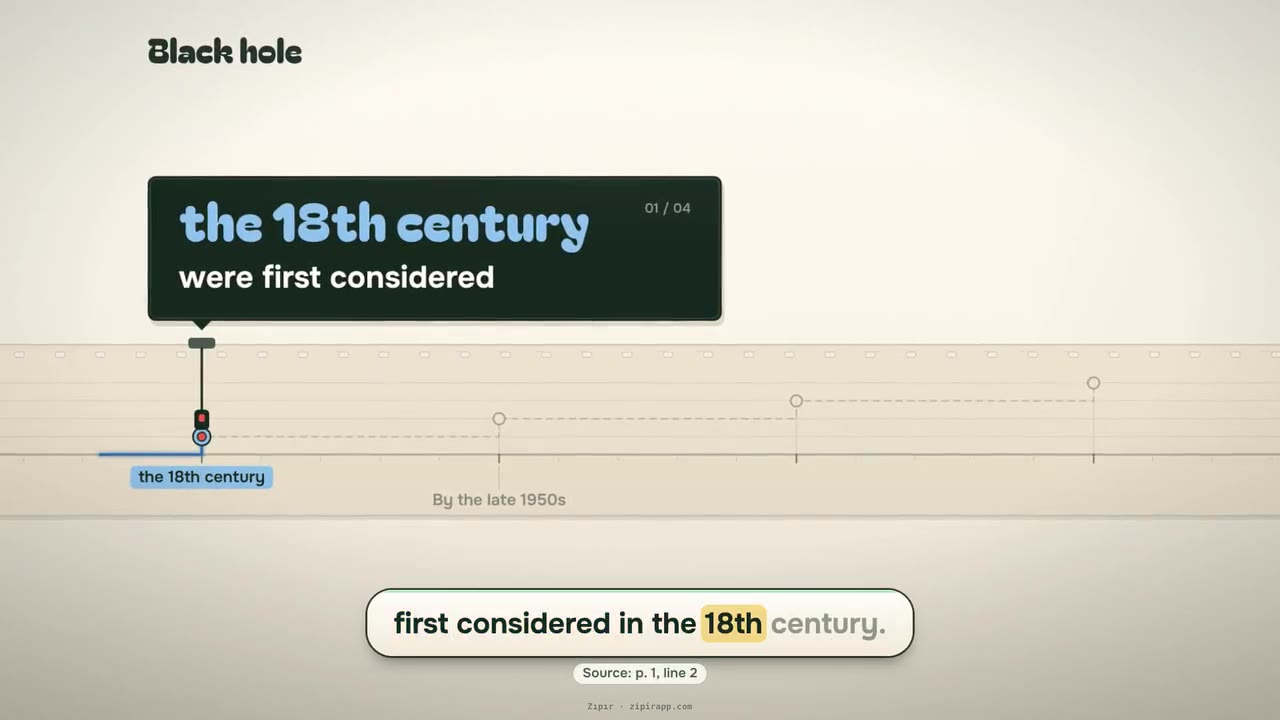
Document: Wikipedia: Black hole
Dates and durations in the document are marked in order on a strip.
Dates and order of events
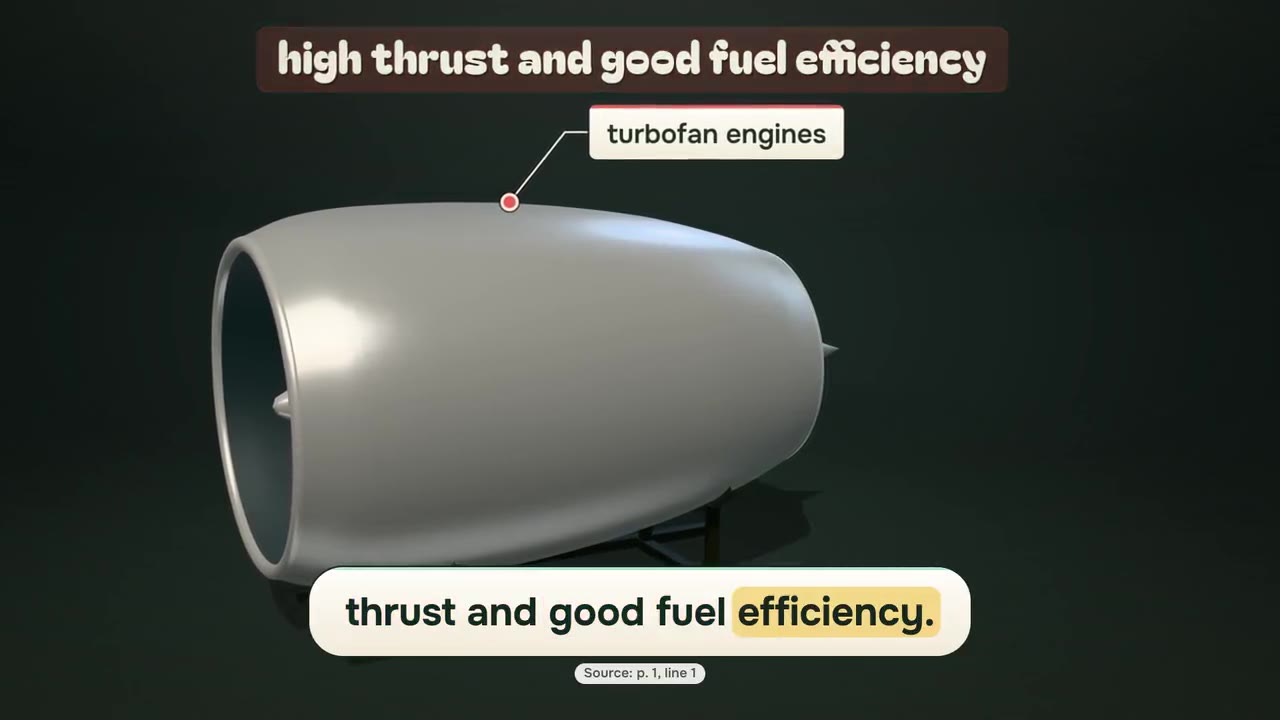
Document: The turbofan engine
The parts named in the document open up one after another on a ready-made 3D model.
Parts and structure
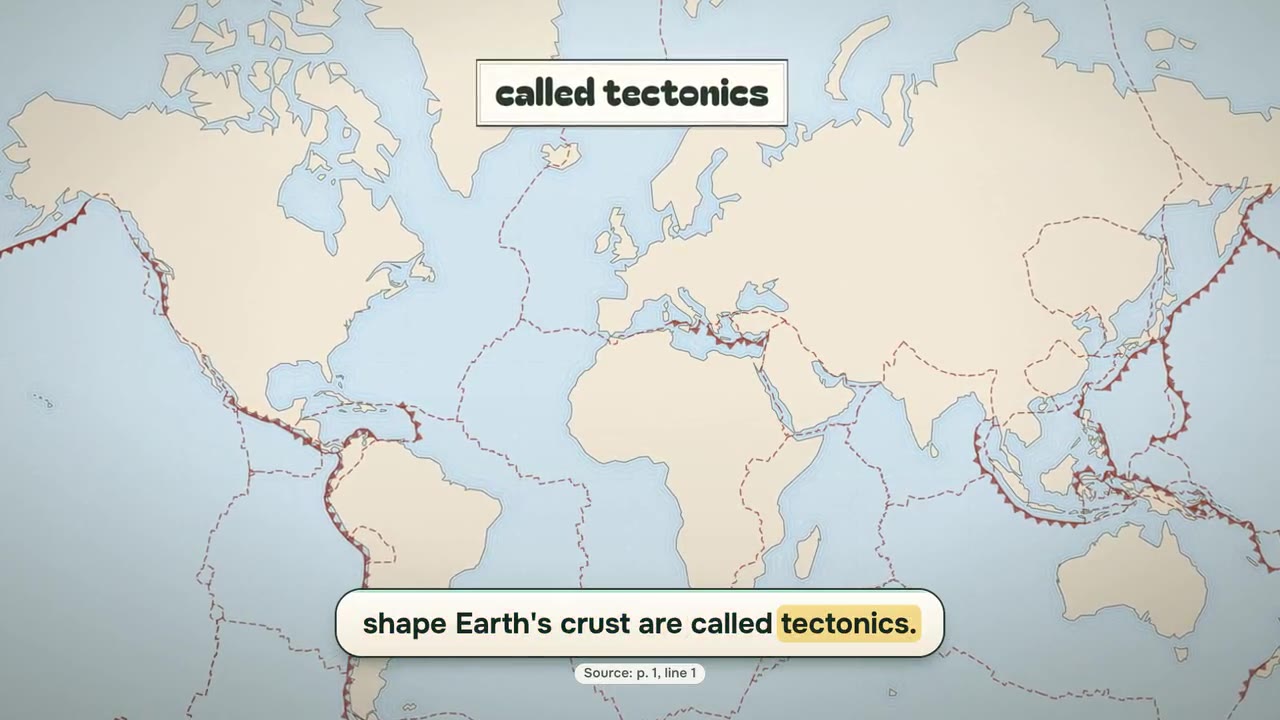
Document: Plate tectonics
The places named in the document are marked in order on a ready-made map.
Places and layouts
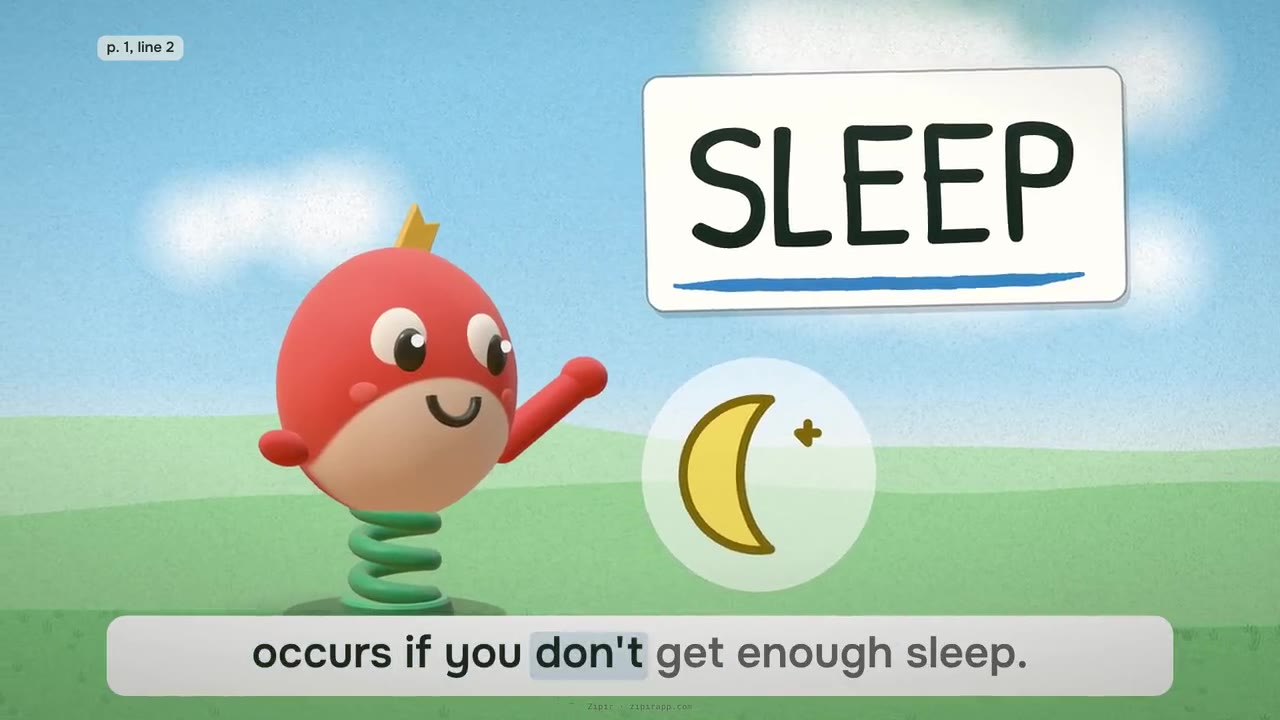
Document: NIH NHLBI: Sleep Deprivation and Deficiency
The Zıpır mascot is the lead of an outdoor scene: the sky turns through day, evening and night, and the sentence's words are labeled with a pen.
Concepts and processes · Dates and order of events
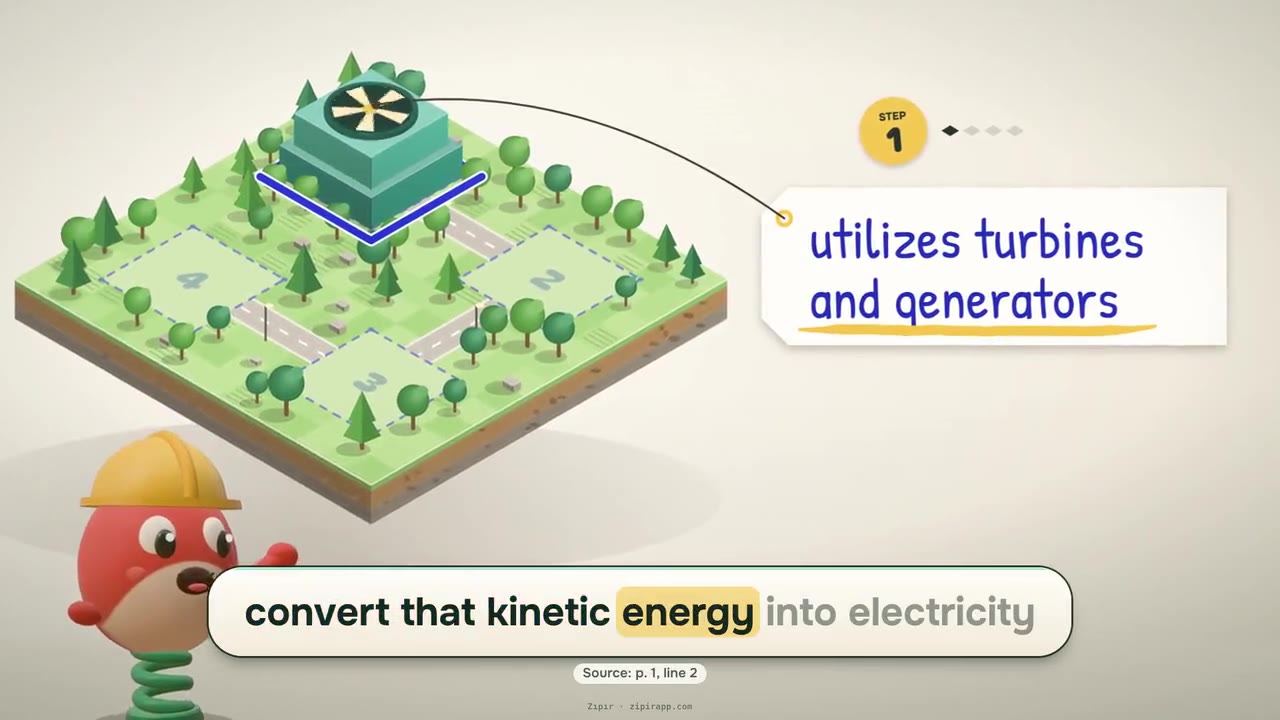
Document: US DOE: How Hydropower Works
As the document is read, the plan becomes a scale model: each part rises into place when its sentence arrives, and its label is attached.
Parts and structure · Places and layouts
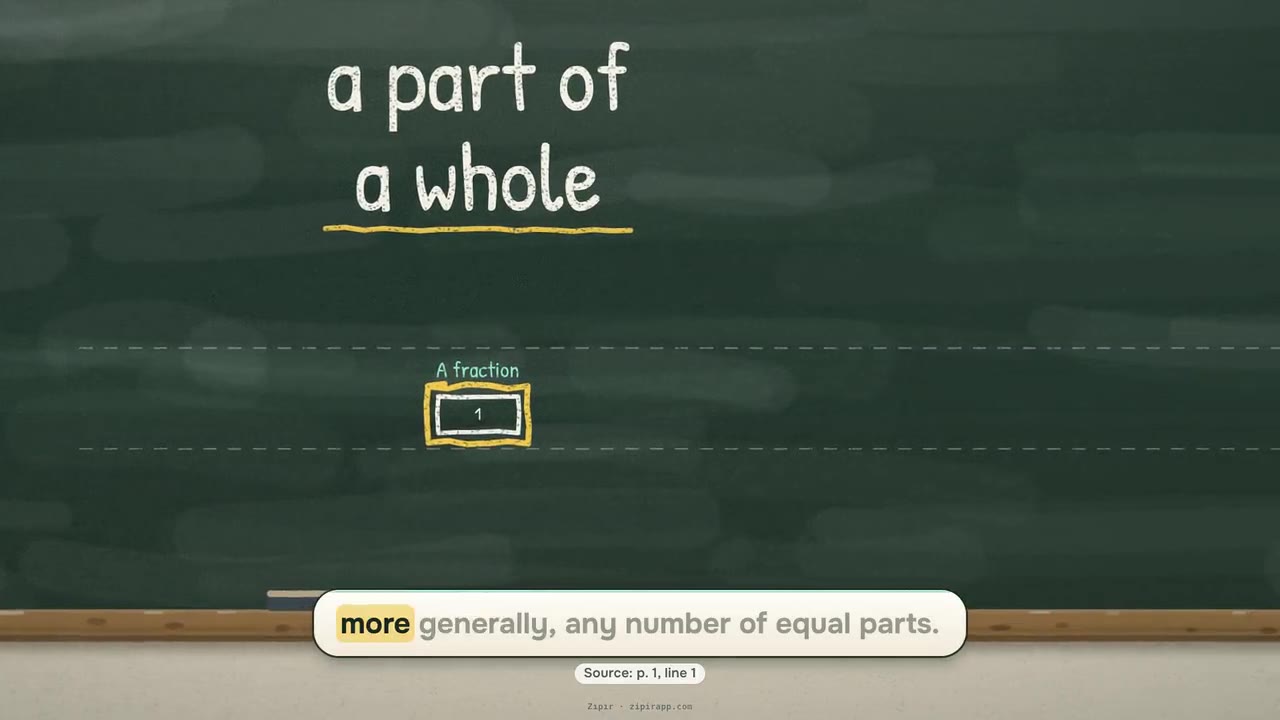
Document: Wikipedia: Fraction
A process, or how a piece of software works, is drawn step by step along a long chalkboard: the camera follows the steps, who does what keeps its own row, and each step's words are written large in chalk.
Steps and rules · Concepts and processes
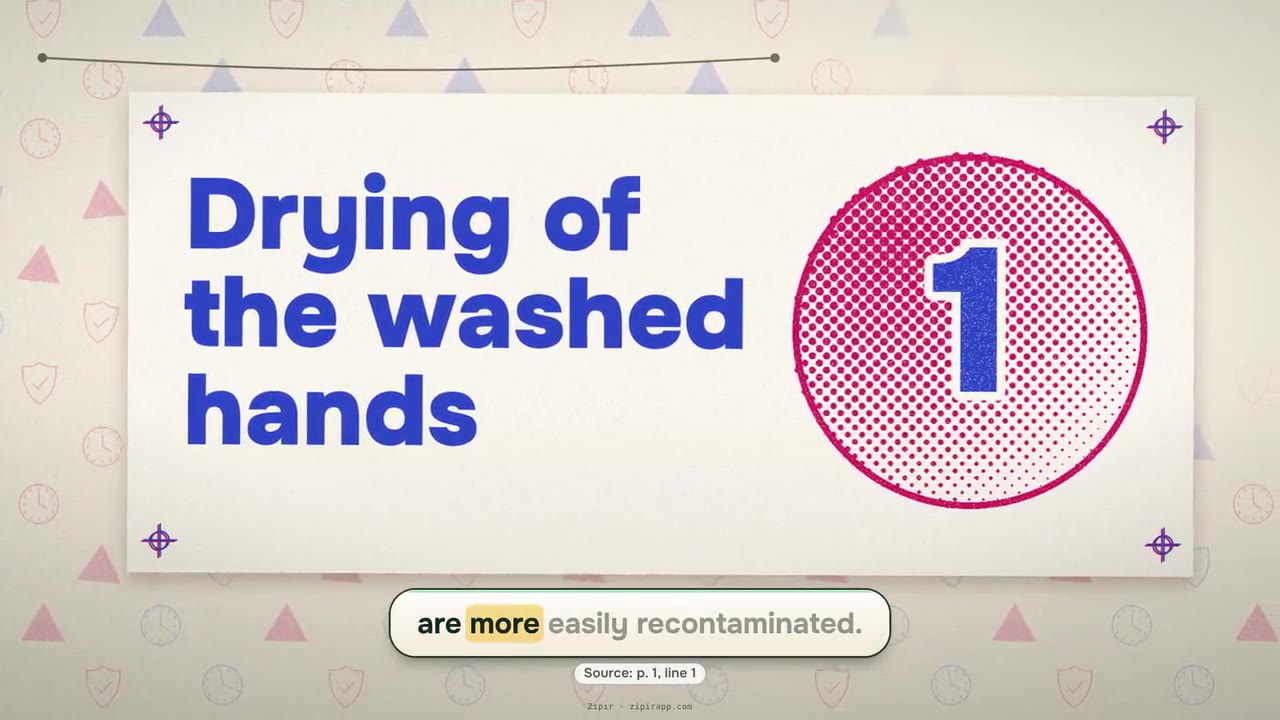
Document: Wikipedia: Hand washing
Every habit or rule becomes a two-ink poster: when its key words are spoken, the roller prints the pictogram and the words in giant type, and the finished poster is pegged on a line.
Steps and rules
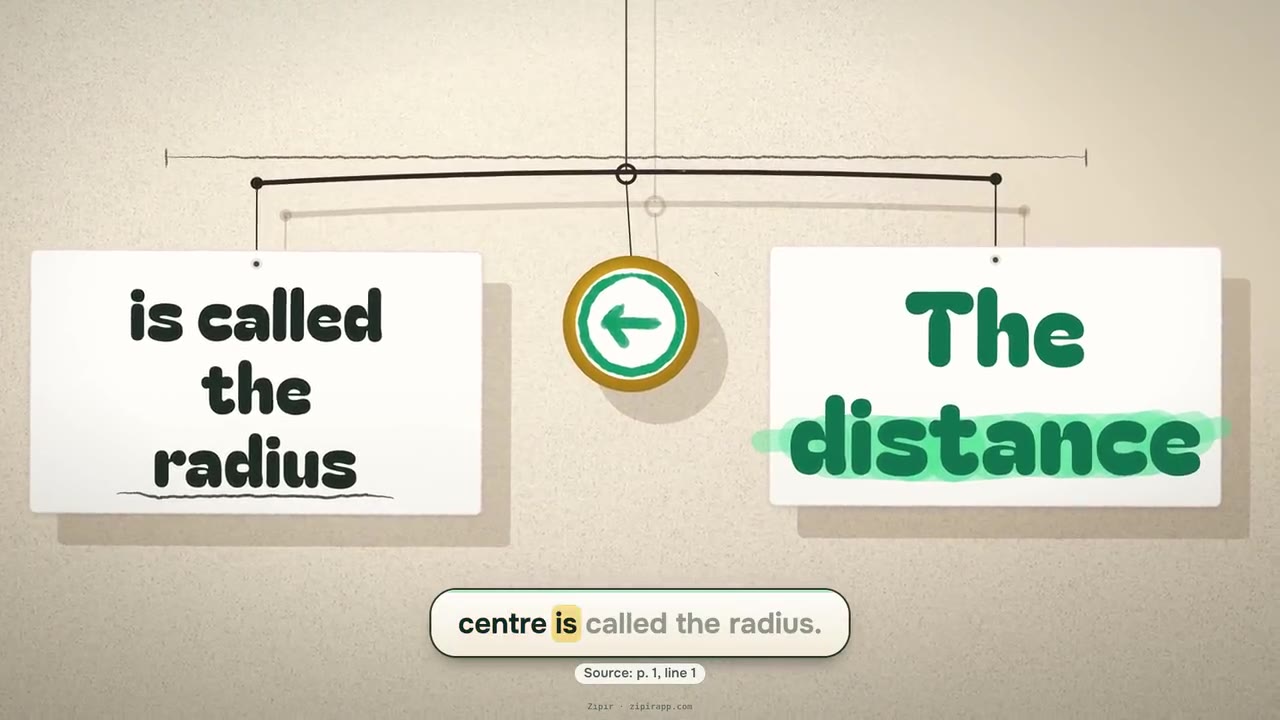
Document: Wikipedia: Circle
Definitions, formulas and rules are weighed on a balance hanging on a wall: the two sides of the sentence hang from its threads, the beam settles where the sentence says, and a pencil marks the spot on the wall.
Concepts and processes
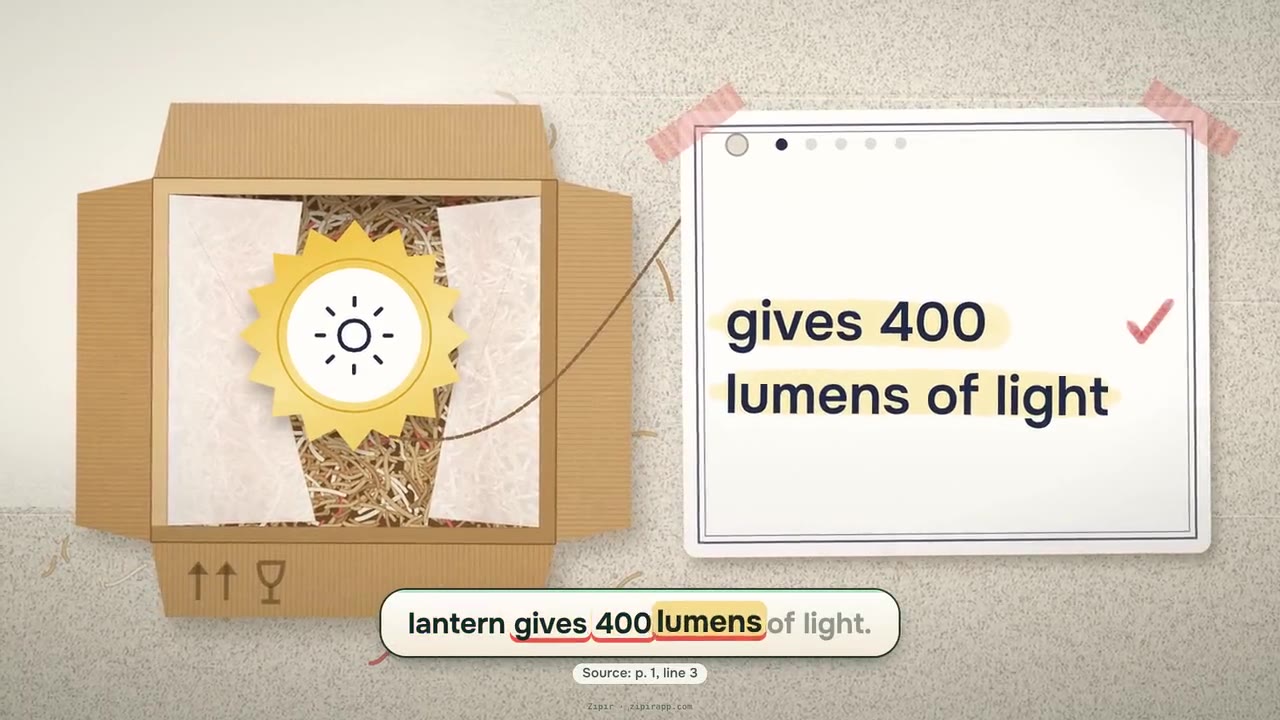
Document: Solar camping lantern (sample brochure, Zıpır team)
A product's features and benefits come out of a box one by one: each on its own card, its number big, the benefit the sentence names drawn with a highlighter.
Products and features · Parts and structure · Numbers and data
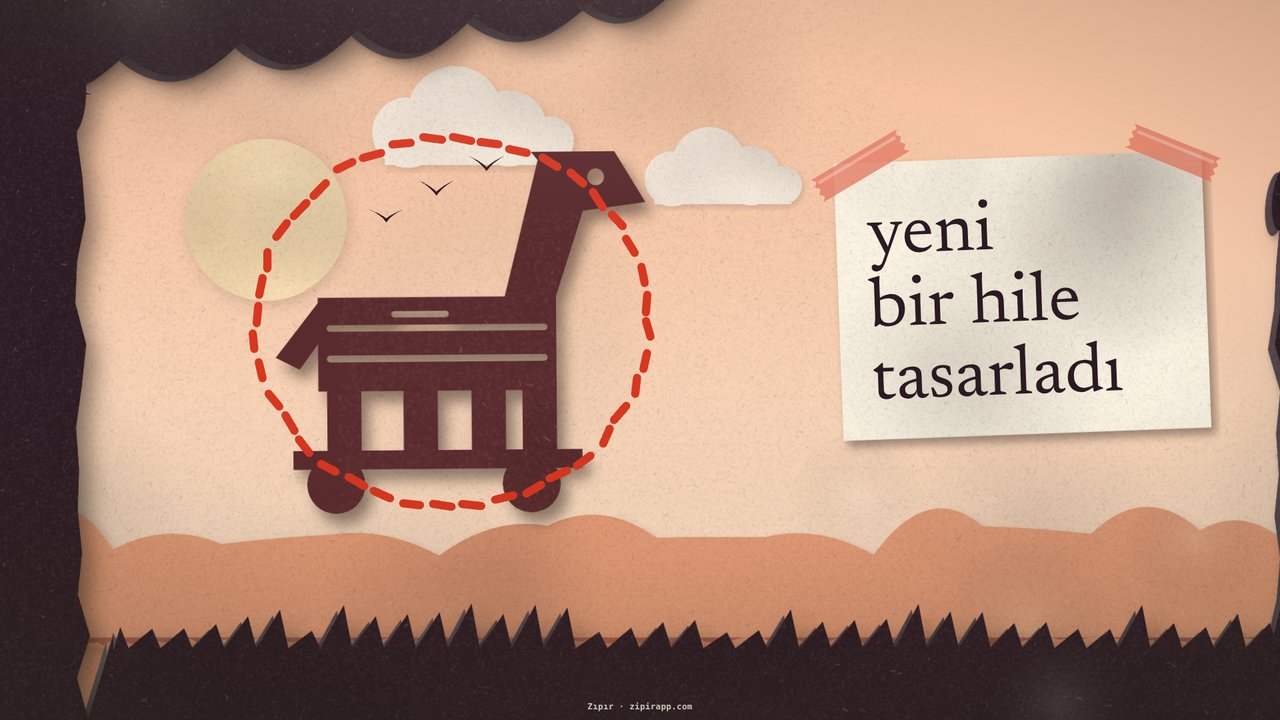
Document: Truva Savaşı (The Trojan War)
The story is told in a tunnel book of cut card: each sentence is one layered scene, a red thread sews round what happens, and the camera flies through the frame into the next scene.
Dates and order of events · Places and layouts

Document: 6331 sayılı İSG Kanunu (Turkey's occupational health and safety law (No. 6331))
Two people do the work the sentence describes in a workplace drawn in the company's own colour; the point of the sentence is pinned up on a big brand-coloured sign.
Steps and rules
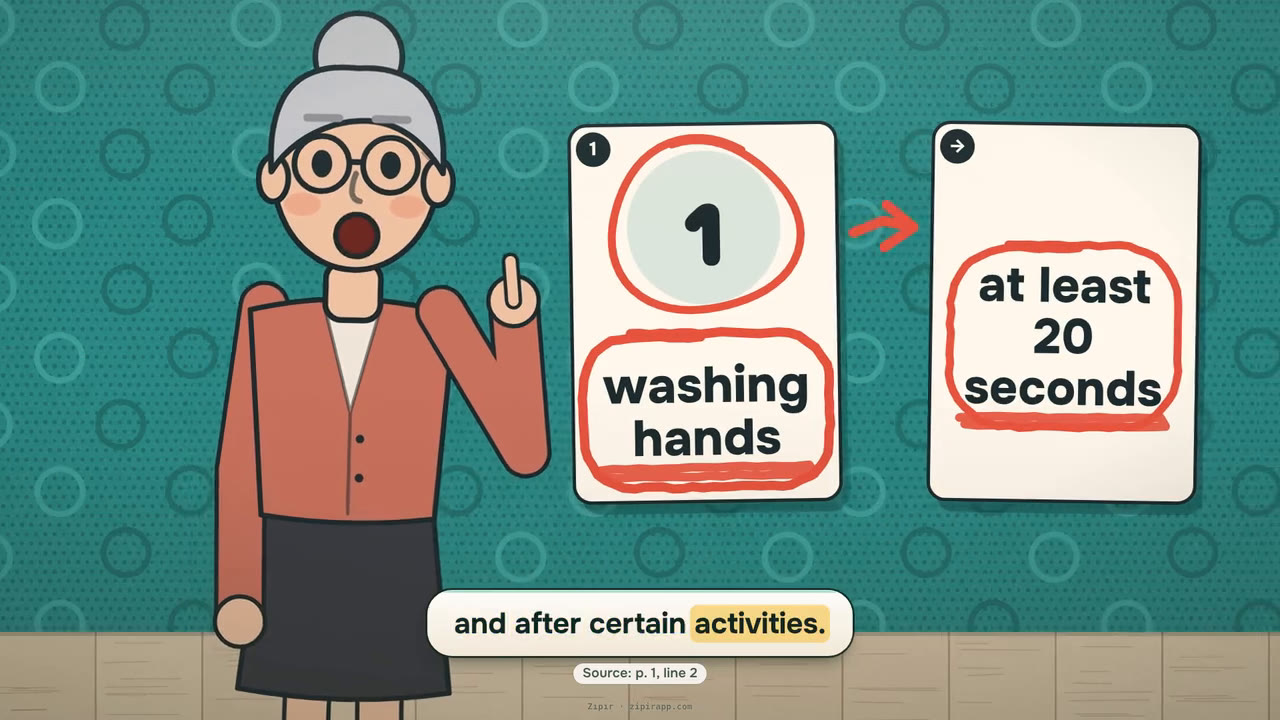
Document: Wikipedia: Hand washing
A cartoon host shows what to do, step by step, on a coloured stage: each step is a picture card, an arrow leads to the next one, and the host points at each card the moment it is said.
Steps and rules


What does your document explain?
Concepts and processes
a natural process, a science or economics text, why and how something happens.
Steps and rules
ordered steps, a recipe, usage instructions, a workplace safety rule, a statute article saying who must do what.
Numbers and data
an account statement, a price list, rates, a table of results.
Dates and order of events
a history text, a calendar, transition periods.
Places and layouts
a site plan, a route, geography, a map, a mountain, a sea or a region.
Parts and structure
the parts of a machine, building, tool or body and how they work together.
Contracts and legislation
a contract, a lease, terms, a privacy notice, a form, a regulation read clause by clause.
Products and features
a text that presents a product, service or plan by its features, benefits and numbers: a brochure, a product page, a spec sheet.
Formats are listed in order of fit; the first is the one Zıpır itself would pick for that kind. If you leave the format to Zıpır, it picks the one that suits your document. If you choose, no option is closed; if the document does not suit it, you see a short warning in the panel.
Length: On the upload screen you pick the target length: 1, 3, 5 or 10 minutes (default 3). The same document gets fewer scenes at a short target and more at a long one; a single video carries at most 15 minutes of narration.
Two rules hold in every format: every sentence on screen is a verbatim quote from your document, shown with its page and line; no video is produced until you approve the scene plan. See it in a video
Upload your document
If you leave the format to Zıpır, it picks the one that suits your document. If you choose, no option is closed; if the document does not suit it, you see a short warning in the panel.
Get startedLast updated: